
How to Use Your Brand Photos + Examples
TL;DR
- Most advice about how to use brand photos stays theoretical. This post is an inventory: where one client’s session content actually landed.
- Solid Wellness and Aesthetics in Westfield ran a single session across five destinations: website, social, email, print, and event promotion.
- What made the difference was knowing what the content had to do before we shot any of it.
- AI handles the spreading: one gallery becomes captions, email drafts, and platform-ready formats in an afternoon.
- If your last session only ever reached Instagram, this is the gap.
I can tell you brand photos should work harder for your business, or I can just show you the receipts. Let’s do receipts!
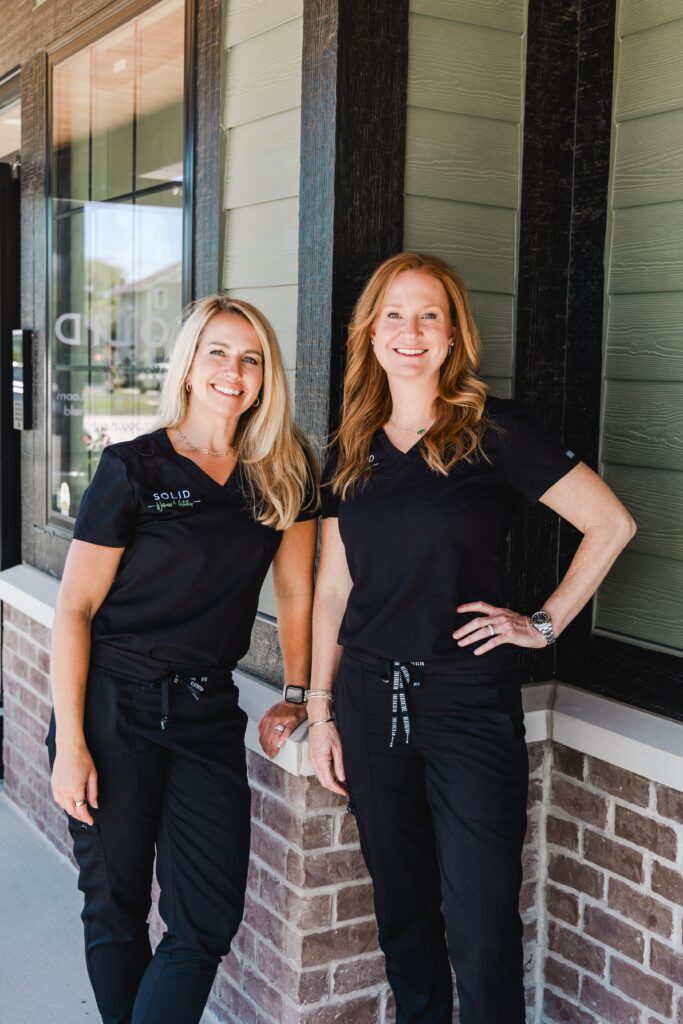
Solid Wellness and Aesthetics is a functional wellness and aesthetics practice in Westfield: whole-person care, from hormone and gut health to natural-looking aesthetic treatments. When we planned their brand session, the goal was never “get some nice photos.” We started with a working list of the places their content needed to show up and the job it had to do in each one. Then we shot toward that list.
Here’s where one session’s content actually landed.
Destination One: Website
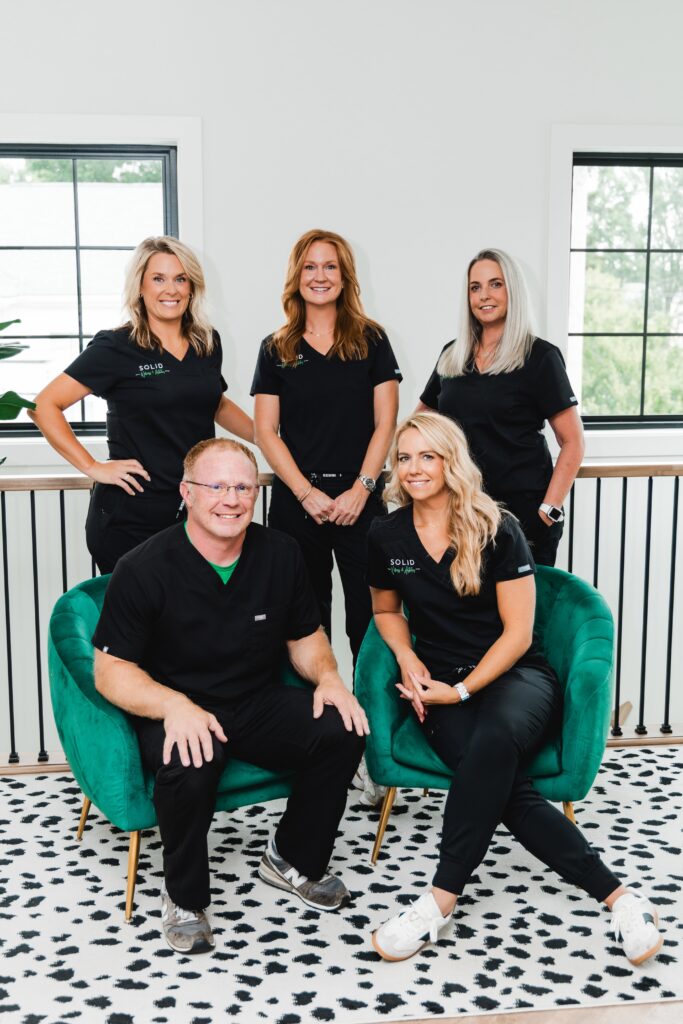
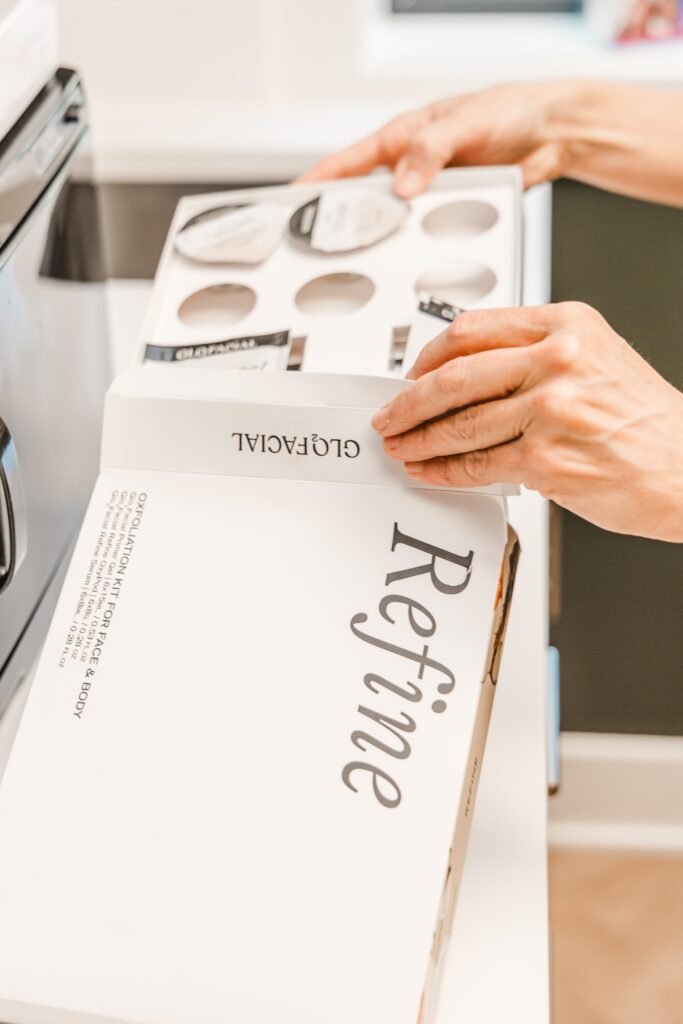
The practice’s site got the foundation layer: imagery of the team, the space, and treatments in progress, placed across the homepage and service pages. Website images have specific technical jobs (horizontal orientation, room for headlines, a consistent feel page to page), so we set those up with their spots in mind.
This might be one of the least glamorous destinations, and the highest-stakes one. The website is where a nervous first-time patient decides whether this place feels trustworthy, and stock photos of generic exam rooms don’t survive that moment.
Destination Two: Social
The session produced the social layer on purpose: vertical clips for Reels, personality frames of the team, close-ups of treatments that make scroll-stopping posts. Because photo and video were captured in the same session, their feed got motion without a separate video production.
One session fed weeks of posts and ads. The social content was on the list from the start, with its own ideas and requirements.
Destination Three: Email
Emails with real photos of your actual team feel like a note from a business you know; all-text emails feel like a bill. The session gave their email a rotation of warm, human images (team candids, behind-the-scenes moments) sized and selected for the inbox.
Destination Four: Print & Guides
Solid Wellness is still a physical, local business, so the same gallery flowed into printed pieces. Consistency is the quiet win: when the brochure at the event matches the website, matches the Instagram… it reads as put-together in a way patients feel, but rarely name!
Destination Five: Event
This is my favorite one, because almost nobody plans for it. The practice promotes events and seasonal offers throughout the year, and that promotion needs current images of the actual providers in the actual space. Graphics, signage, the social announcement, the email that goes with it: same gallery, no scramble. Having those images on hand means an event gets announced in an afternoon instead of sitting for a week while somebody digs for a photo that still looks like the business.
The bonus destination: your Google Business Profile
One more place this content quietly works, worth its own mention: the practice’s real photos strengthen its Google Business Profile, which is still the workhorse of local search (along with helping your SEO and GEO). Fresh, specific images of an actual team and space signal a lively, trustworthy business to Google and to the AI tools that increasingly recommend local businesses. Keeping that profile stocked with current photos is one of the easiest wins on this list.
What made this work
Two decisions, made before the shoot. First, we knew what the session had to produce, so we built it around real end results instead of a vague hope for nice photos. I don’t script every frame. I do know we need horizontal images with room for headlines, vertical clips, team candids warm enough for email, and something that holds up in print. Second, photo and video were captured together, so no channel got orphaned.
And one decision after: they came back this year for a refresh, adding new chapters as the practice grew rather than starting over. That rhythm (a planned session, a working gallery, periodic refreshes) is the model I build every session around.
The spreading part is where AI earns its keep
Here’s the honest friction point: even with a perfectly planned gallery, distributing content across five channels used to be tedious enough that people quit. This is exactly the job I hand to AI now, and teach clients to.
One gallery plus a capable AI assistant becomes: caption ideas in your voice for the social layer, an email draft built around this month’s images, resized and reformatted versions for each platform, and a simple map of which images go where next month. You still make the calls about what sounds like you and what goes out. AI does the resizing, the drafting, and the first pass at captions. An afternoon of AI-assisted spreading replaces the weeks of “I’ll get to it” that used to strand good galleries in folders.
Where I fit in
If you’ve invested in brand photos that only ever reached Instagram, you are sitting on more usable content than you think. Most of it just never got pointed anywhere.
That’s what a planned session changes, and it’s how I build every one: we talk through where your content needs to go, we shoot toward those places, and you leave with a way to spread it. Let’s plan yours at kelliwhitephotography.com. Episode two of So On Brand walks through this same inventory out loud.
FAQ
How many images does it take to cover this much marketing? Fewer than you’d guess when they’re planned. My sessions come with about 10 to 50 edited images and 10 to 30 video clips, depending on the package. A planned set of visuals covers way more ground than an unplanned 200 photos of just your beautiful face!
My business isn’t a wellness practice. Does this translate? Directly. Swap the destinations for yours: a maker needs product listings and market signage; a coach needs a speaker one-sheet and course graphics. The method is the list, not the industry.
Do I need to work on all of these? No, you need your own list of uses. Decide that list before the session so nothing gets shot without a reason to exist.
What’s the minimum AI setup for the repurposing part? One general AI assistant and clear instructions. No special tools, no stack of subscriptions. If you want the prompt framework I use, that’s the CORE Method freebie on my site.
How often should a business refresh a working gallery? Once a year for most, sooner when something changes: new team member, new space, new offer. Refreshes add chapters to your story and build on the gallery you already have.




+ view comments . . .